
Project Description
Creating API routes in Next.js 14 and integrating them with a MySQL database provides a robust foundation for building dynamic and data-driven web applications. Next.js, a popular React framework, seamlessly facilitates server-side rendering and API routing, making it an excellent choice for developing modern web applications.
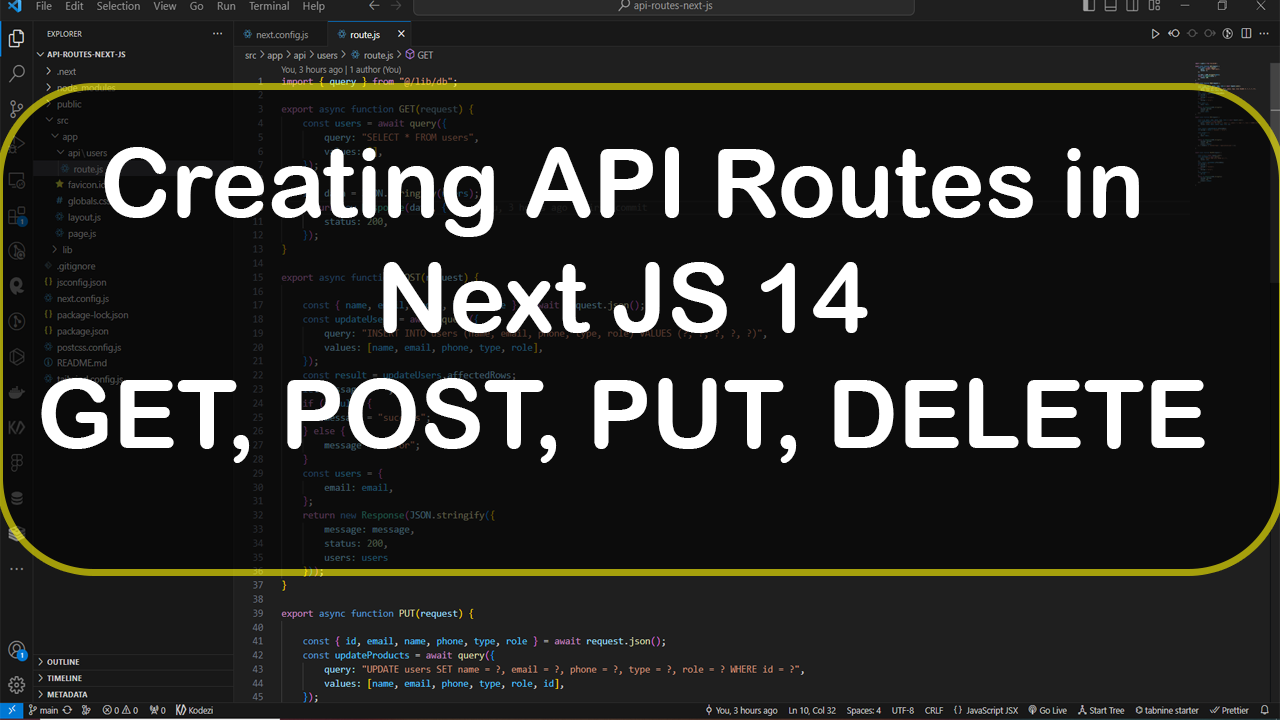
In this tutorial, we will explore the process of setting up API routes in Next.js 14 to handle HTTP methods such as GET, POST, PUT, and DELETE. These routes will act as endpoints for interacting with a MySQL database, allowing us to perform essential CRUD (Create, Read, Update, Delete) operations on the data.
Step 1: Create a Next JS App using command 'npx create-next-app@latest'
Step 2: Run using command 'npm run dev'
Step 3: Install mysql2 package using command 'npm install --save mysql2'
Step 4: Create a 'api/users' diectory under 'scr/app'
Step 5: Update next.config.js and add MySQL connection details
/** @type {import('next').NextConfig} */
const nextConfig = {
env: {
'MYSQL_HOST': '127.0.0.1',
'MYSQL_PORT': '3306',
'MYSQL_DATABASE': 'inventorydb',
'MYSQL_USER': 'root',
'MYSQL_PASSWORD': '',
}
}
module. Exports = nextConfig
Step 6: Create a 'db.js' file under 'scr/lib' and update 'db.js' file
import mysql from "mysql2/promise";
export async function query({ query, values = [] }) {
const dbconnection = await mysql.createConnection({
host: process.env.MYSQL_HOST,
post: process.env.MYSQL_PORT,
database: process.env.MYSQL_DATABASE,
user: process.env.MYSQL_USER,
password: process.env.MYSQL_PASSWORD,
});
try {
const [results] = await dbconnection.execute(query, values);
dbconnection.end();
return results;
} catch (error) {
throw Error(error.message);
return { error };
}
}
Step 7: Create a 'route.js' file inside 'users' directory
import { query } from "@/lib/db";
export async function GET(request) {
const users = await query({
query: "SELECT * FROM users",
values: [],
});
let data = JSON.stringify(users);
return new Response(data, {
status: 200,
});
}
export async function POST(request) {
const { name, email, phone, type, role } = await request.json();
const updateUsers = await query({
query: "INSERT INTO users (name, email, phone, type, role) VALUES (?, ?, ?, ?, ?)",
values: [name, email, phone, type, role],
});
const result = updateUsers.affectedRows;
let message = "";
if (result) {
message = "success";
} else {
message = "error";
}
const users = {
email: email,
};
return new Response(JSON.stringify({
message: message,
status: 200,
users: users
}));
}
export async function PUT(request) {
const { id, email, name, phone, type, role } = await request.json();
const updateProducts = await query({
query: "UPDATE users SET name = ?, email = ?, phone = ?, type = ?, role = ? WHERE id = ?",
values: [name, email, phone, type, role, id],
});
const result = updateProducts.affectedRows;
let message = result ? "success" : "error";
const product = {
id: id,
email: email,
};
return new Response(JSON.stringify({
message: message,
status: 200,
product: product
}), { headers: { 'Content-Type': 'application/json' } });
}
export async function DELETE(request) {
const { id } = await request.json();
const deleteUser = await query({
query: "DELETE FROM users WHERE id = ?",
values: [id],
});
const result = deleteUser.affectedRows;
let message = "";
if (result) {
message = "success";
} else {
message = "error";
}
const product = {
id: id,
};
return new Response(JSON.stringify({
message: message,
status: 200,
product: product
}));
}
Step 8: Restart Next JS app and test the API using Postman